
Local SEO Guide: Optimize Your Google Business Profile
Are You Ready to Show Up on Google’s Local Search?
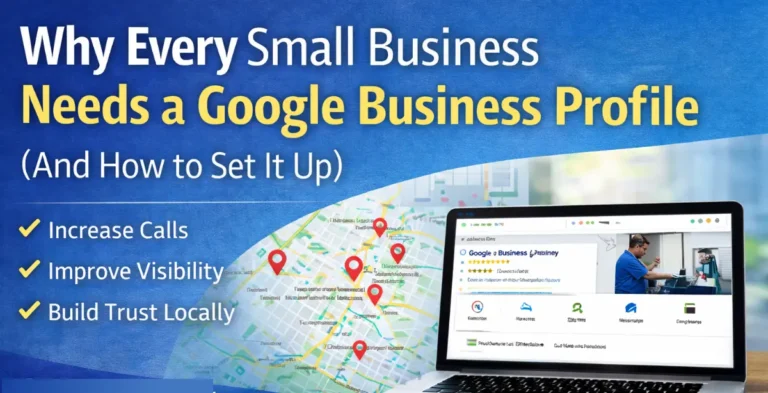
If you’re a local business looking to reach customers in your neighborhood, having a fully optimized Google Business Profile is the most effective way to get noticed. When someone in your area searches for your specific services, you want to ensure your business is the first one they see.
Setting up and optimizing your profile is free, straightforward, and arguably the most important step in your local SEO strategy
Verify Your Business: The First Step to Visibility
- Sign Up: Go to the Google Business Profile website and sign in with your business email.
- Enter Your Details: Fill in your business name, address, phone number, and website URL. Be sure to select the most accurate business category.
- Request Verification: Google will usually send a verification code via mail or phone.
- Enter the Code: Once received, enter the code to finalize your profile.
Once verified, you’ll officially exist in Google’s ecosystem, allowing you to reach potential customers throughout the Capital District.
Keep Your Information Accurate and Fresh
Consistency is key to ranking well. If your business hours or contact details change, update them immediately. Discrepancies between your profile and your actual business can hurt your trust with both Google and your customers.
Regularly review your listing to ensure your address, phone number, and website link are correct. Adding high-quality photos of your storefront, products, or team also helps potential customers learn about you before they visit, making them more likely to choose you over a competitor.
Optimize with Strategic Categories and Descriptions
To rank higher, you need to be specific.
- Choose the Right Categories: Pick a primary category that describes your core business. You can add secondary categories to cover related services. This helps Google match you with relevant local searches.
- Write a Detailed Description: Don’t just list your name. Describe your services, your mission, and what makes you unique. Use local keywords naturally to help draw people to your listing.
Investing a few minutes into these details can significantly increase your visibility and improve your ranking.
Boost Visibility with Customer Reviews
Reviews are one of the strongest “trust signals” for Google. Here’s how to manage them effectively:
- Ask for Feedback: Reach out to happy customers and encourage them to leave an honest review.
- Respond Promptly: Aim to reply to all reviews—positive or negative—within 24-48 hours.
- Build Relationships: Answering questions and addressing concerns shows Google that your business is active and reliable.
- Showcase Quality: Reviews provide social proof to potential clients, demonstrating the quality of your work.
Staying active with reviews helps you become a trusted authority in your local community.
Engagement: The Secret to Higher Rankings
Google favors profiles that interact with their audience. Take advantage of these built-in engagement tools:
- Questions & Answers: Use this feature to provide helpful information about your products and services. You can even post frequently asked questions yourself.
- Promote Offers: Share news, updates, or special discounts directly on your profile.
- Social Connectivity: Ensure your profile links to your other social media accounts, making it easy for customers to find you everywhere.
Dedicating time to answer questions and provide educational content helps your business gain more recognition and perform better in local searches.
Final Thoughts
Setting up your Google Business Profile is a free opportunity that no local business should ignore. It’s easy to manage and provides immediate benefits for your search visibility. Set yours up today and start connecting with your local market.